
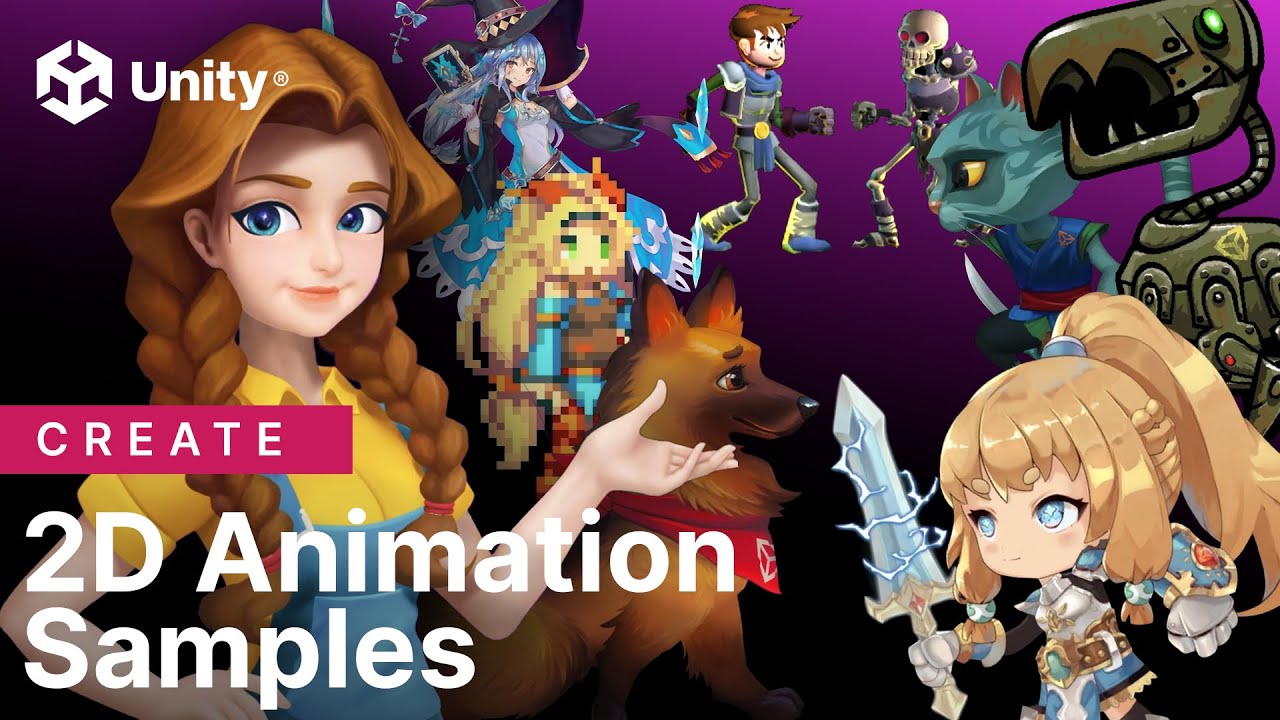
Explore the Unity Asset Store's 2D Animation Sample package to elevate your game development with dynamic animations and enhanced visual appeal.
The 2D Animation Sample Package from Unity Asset Store
In the ever-evolving world of game development, utilizing the right tools can make all the difference. For developers looking to enhance their 2D games, the Unity Asset Store offers a game-changing resource: the 2D Animation Sample package. This comprehensive package is designed to streamline the animation process, making it easier than ever for developers to create vibrant, dynamic characters and environments.
Why Choose the 2D Animation Sample Package?
The 2D Animation Sample package is a treasure trove of resources for developers aiming to elevate their game's visual appeal. It provides a robust framework that simplifies the creation of complex animations, allowing for more time to be dedicated to creativity and less to technical hurdles.
Key Features of the Package
- Skeletal Animation: The package includes tools for skeletal animation, which is perfect for creating fluid, lifelike movements by manipulating a character's bones and joints.
- Sprite Rigging: With sprite rigging, developers can transform static images into animated sprites, breathing life into characters and objects with ease.
- Animation Events: This feature allows developers to trigger specific actions or effects during an animation, adding another layer of interactivity and immersion.
- Integration with Unity's Animation Tools: Seamlessly integrates with Unity’s native animation tools, making it easier for developers familiar with Unity to adopt and implement.
How to Implement the 2D Animation Sample Package
Step-by-Step Guide
- Download and Import: Navigate to the Unity Asset Store, download the 2D Animation Sample package, and import it into your project.
- Set Up Your Assets: Prepare your sprites by organizing them into layers and ensuring they are ready for rigging.
- Create a Rig: Use the Sprite Editor to define bones and joints, effectively creating a skeleton for your sprites.
- Animate: With the rig in place, use the Animation window to define keyframes and animate your sprites.
- Test and Refine: Play through your animations, making adjustments as necessary to achieve the desired effect.
Benefits of Using the Package
Adopting the 2D Animation Sample package can significantly enhance your development process. It not only speeds up production time but also expands the creative possibilities for your game. By reducing the complexity associated with animation, developers can focus on creating engaging gameplay and storytelling.
Community and Support
The Unity community is a valuable resource for developers utilizing this package. With forums, tutorials, and a wealth of shared knowledge, finding solutions and inspiration is easier than ever.
Conclusion
For developers looking to breathe new life into their 2D games, the 2D Animation Sample package from Unity Asset Store is an indispensable tool. Its features and ease of use make it an excellent choice for both novice and experienced developers. By leveraging this package, you can create visually stunning animations that captivate your audience and enhance your game's overall experience.


