
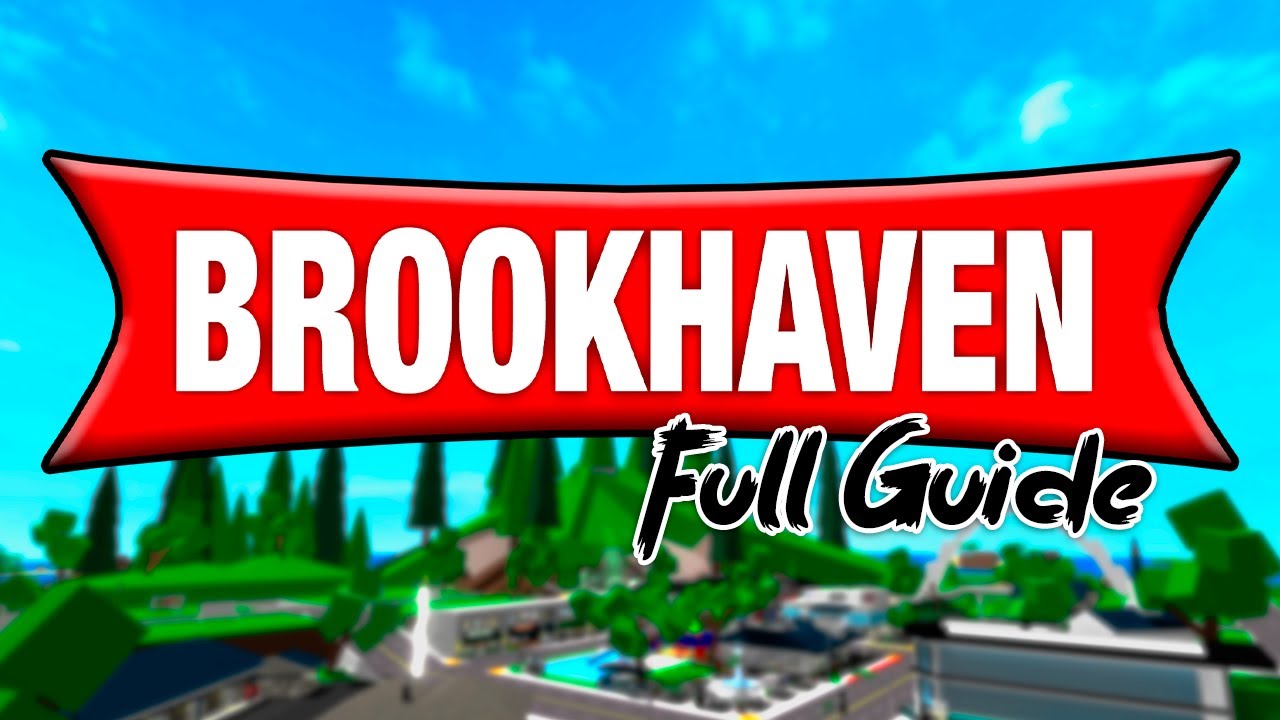
Discover how to start Brookhaven RP for kids in Roblox with our comprehensive guide. Learn about gameplay, safety tips, and parental advice.
How to Start Brookhaven RP for Kids in Roblox: A Comprehensive Guide
Roblox continues to captivate young players with its diverse range of immersive experiences, one of the most popular being Brookhaven RP. Designed as a role-playing game, Brookhaven gives kids the chance to live out their virtual dreams in a bustling community. If you're new to this intriguing world, here's a comprehensive guide on how to start Brookhaven RP for kids in Roblox.
What is Brookhaven RP?
Brookhaven RP is a highly popular game within Roblox where players can explore a charming town complete with houses, cars, shops, and a variety of other interactive environments. The game emphasizes creativity and social interaction, encouraging players to engage in role-playing scenarios. Kids can assume different roles such as a doctor, teacher, police officer, or simply enjoy the freedom of living in a virtual world.
Setting Up Roblox
Before diving into Brookhaven, ensure that you have a Roblox account. Follow these steps to get started:
- Visit the Roblox website and click on 'Sign Up'.
- Fill in the required details, including your birthday, username, and password.
- Agree to the terms and create your free account.
- Download the Roblox app if you're playing on a mobile device.
Accessing Brookhaven RP
Once your Roblox account is ready, it’s time to enter the vibrant world of Brookhaven RP. Here's how you can join the game:
- Log into your Roblox account.
- Use the search bar to find 'Brookhaven RP'.
- Select the game from the results and click 'Play'.
- The game will load, and you will be transported into the Brookhaven world.
Understanding the Gameplay
Brookhaven RP offers a sandbox experience, where players can freely explore and interact with the environment. Here are some basic gameplay elements to familiarize yourself with:
Customize Your Avatar
Kids love personalizing their avatars. Brookhaven allows players to customize their appearance, including outfits and accessories. To do this, click on the avatar icon and choose from a multitude of options.
Choose Your Role
Role-playing is at the heart of Brookhaven. Players can choose from a variety of roles, such as a firefighter, nurse, or even a cafe owner. Each role provides unique interactions and experiences within the game.
Explore the Town
The town of Brookhaven is filled with places to visit and activities to enjoy. Players can rent a house, drive cars, shop for clothes, or hang out with friends in various locations.
Safety and Etiquette
While Brookhaven RP is designed to be a fun and safe environment, it's important to follow some safety tips:
- Keep personal information private. Remind children not to share real names, addresses, or phone numbers.
- Report inappropriate behavior. Roblox has a reporting system to handle any misconduct.
- Encourage respectful communication. Remind kids to be kind and considerate to other players.
Tips for Parents
As a parent, you might wonder how to ensure your child has a positive experience in Brookhaven. Here are some tips:
- Set time limits to ensure balanced screen time.
- Discuss online safety and privacy with your child.
- Explore the game together to understand its mechanics and community.
Conclusion
Brookhaven RP in Roblox offers a rich, engaging platform for kids to express their creativity and socialize with others in a virtual setting. With this guide, you can confidently help your child embark on their Brookhaven adventure. Remember to prioritize safety and have fun exploring the diverse roles and environments this popular Roblox game has to offer!


